Sorts camera photos by patient face
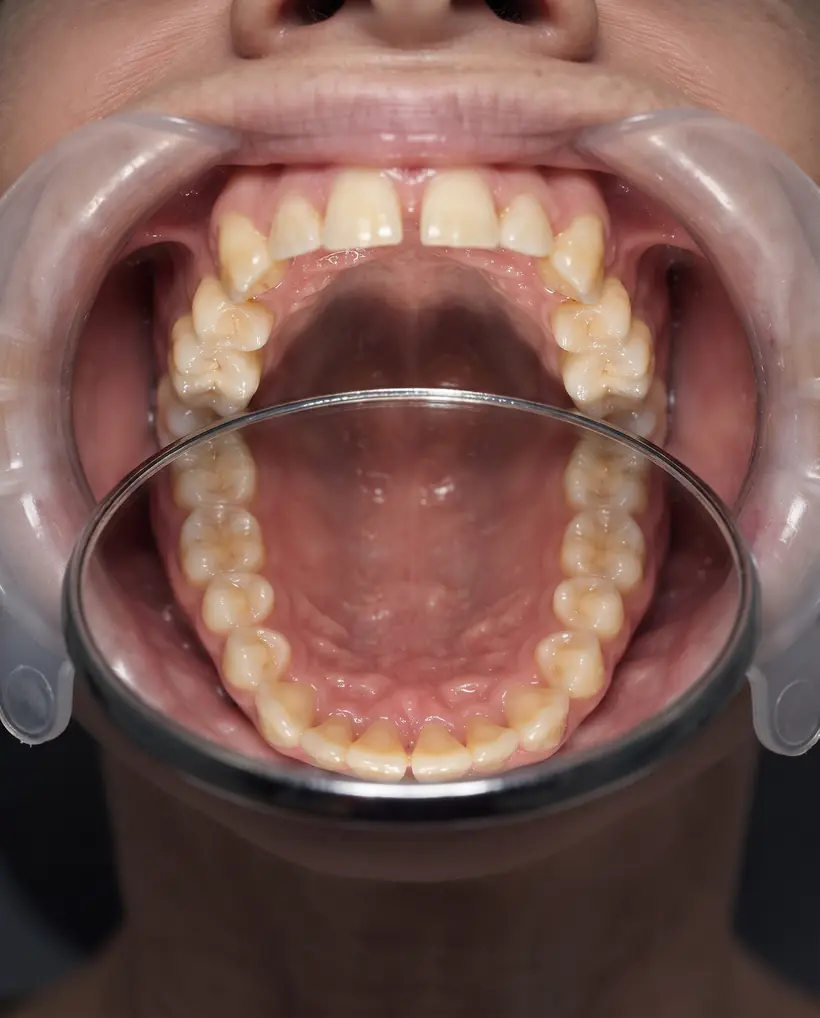
Pick the camera folder and it groups every patient's photos automatically, even from two cameras, retractor shots included.
Basmora sorts camera photos by patient, splits them into before, try-in and after, then prepares the designs, ads and posting plan. All on the clinic's computer.
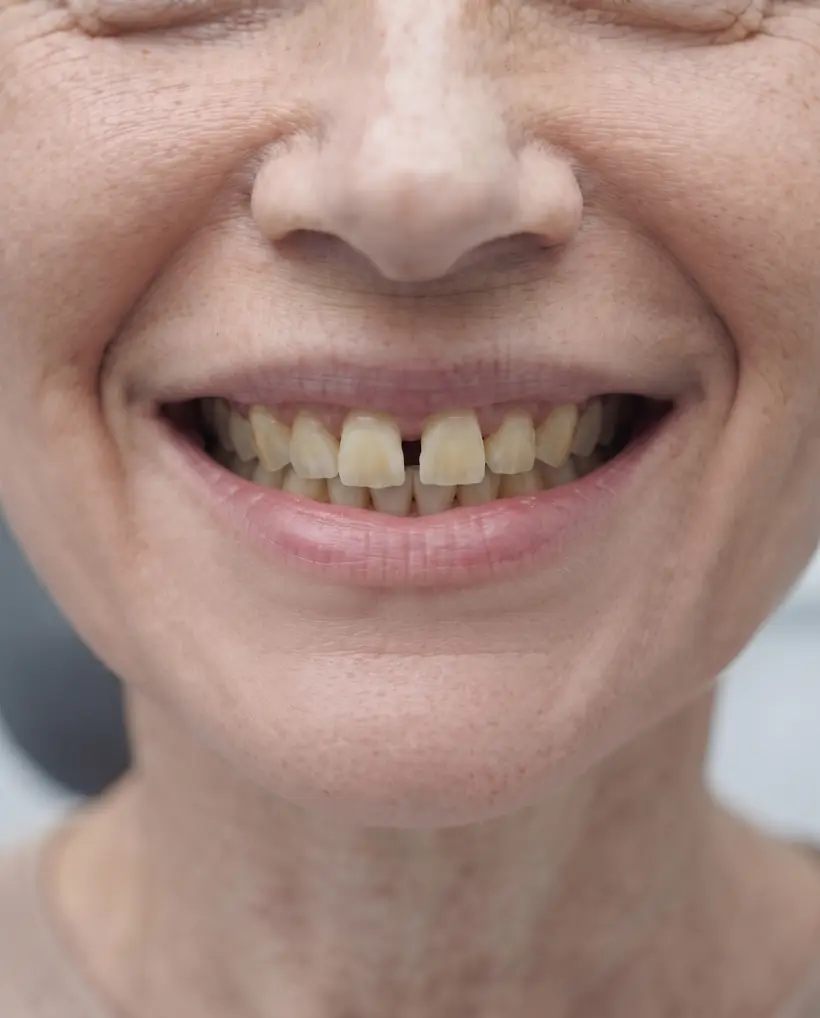
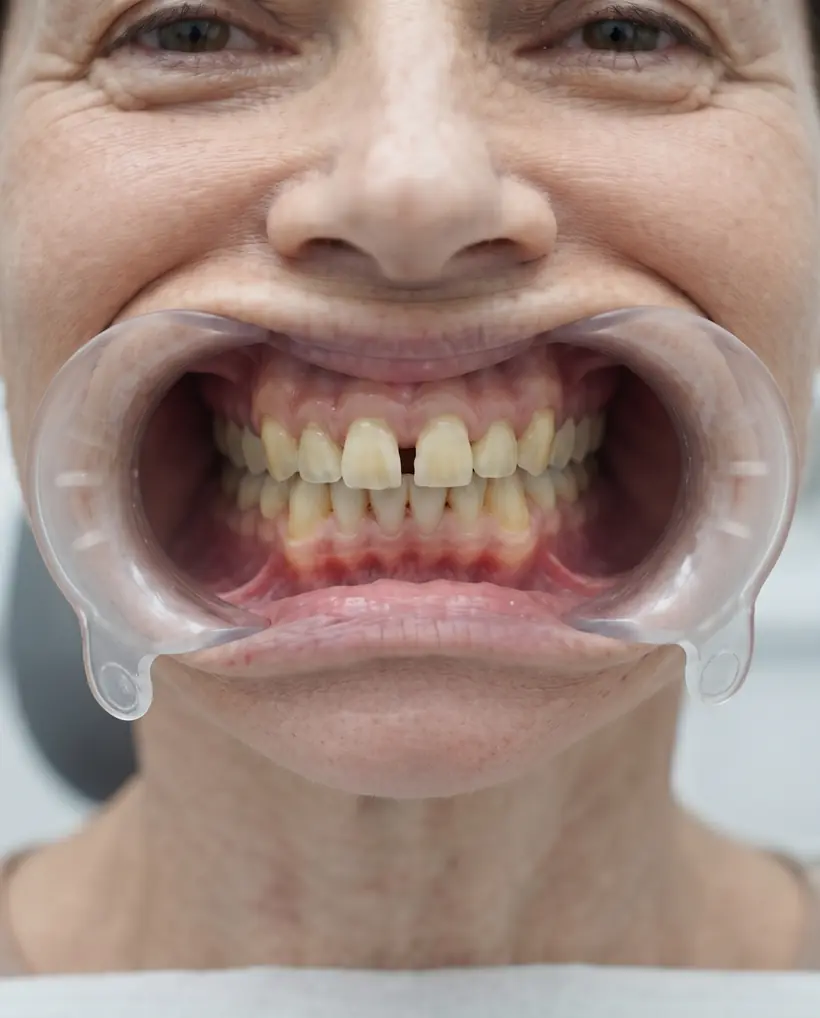
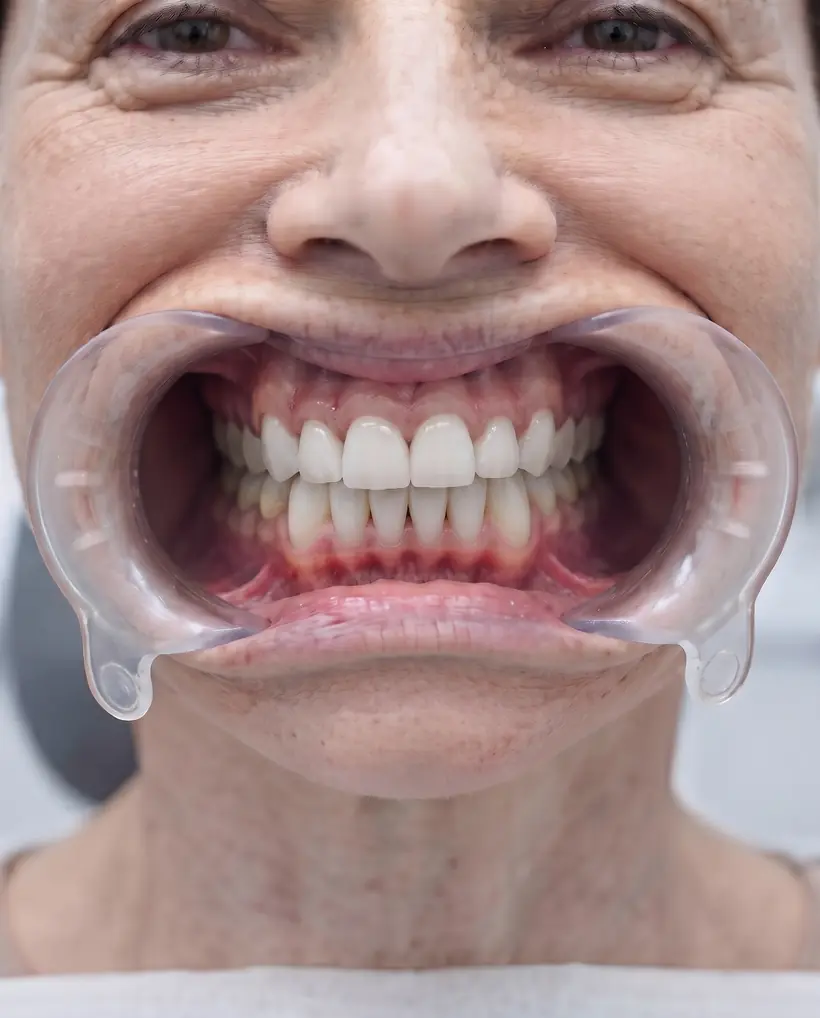
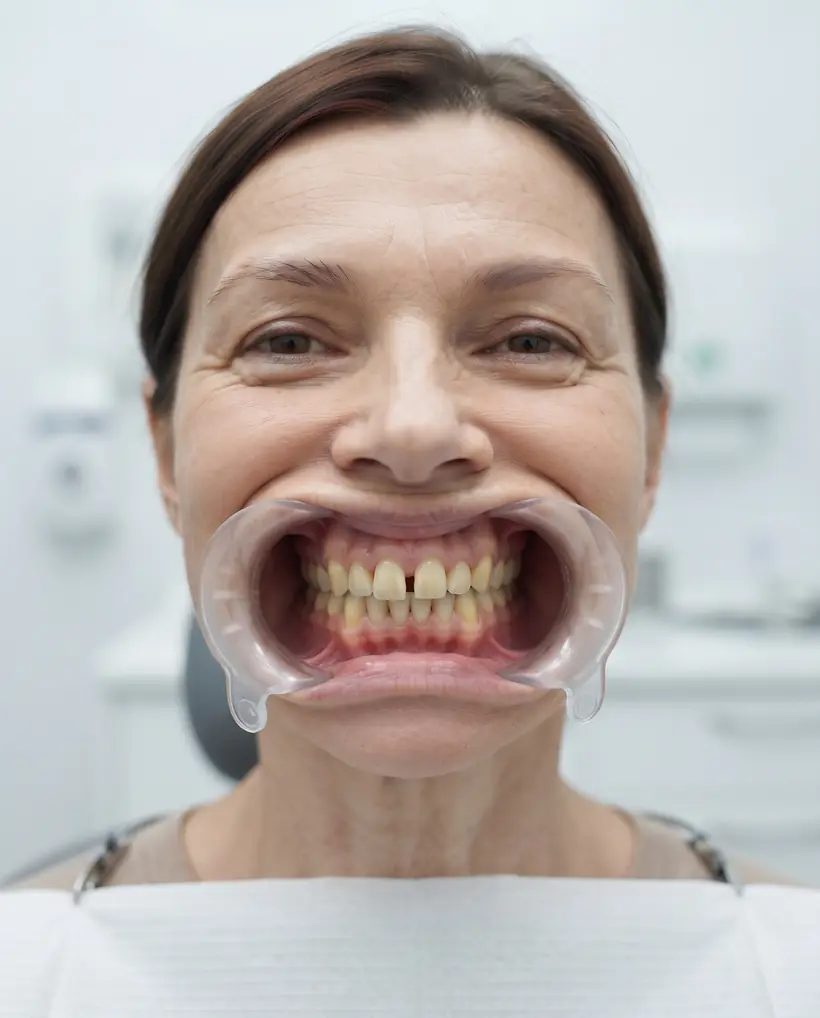
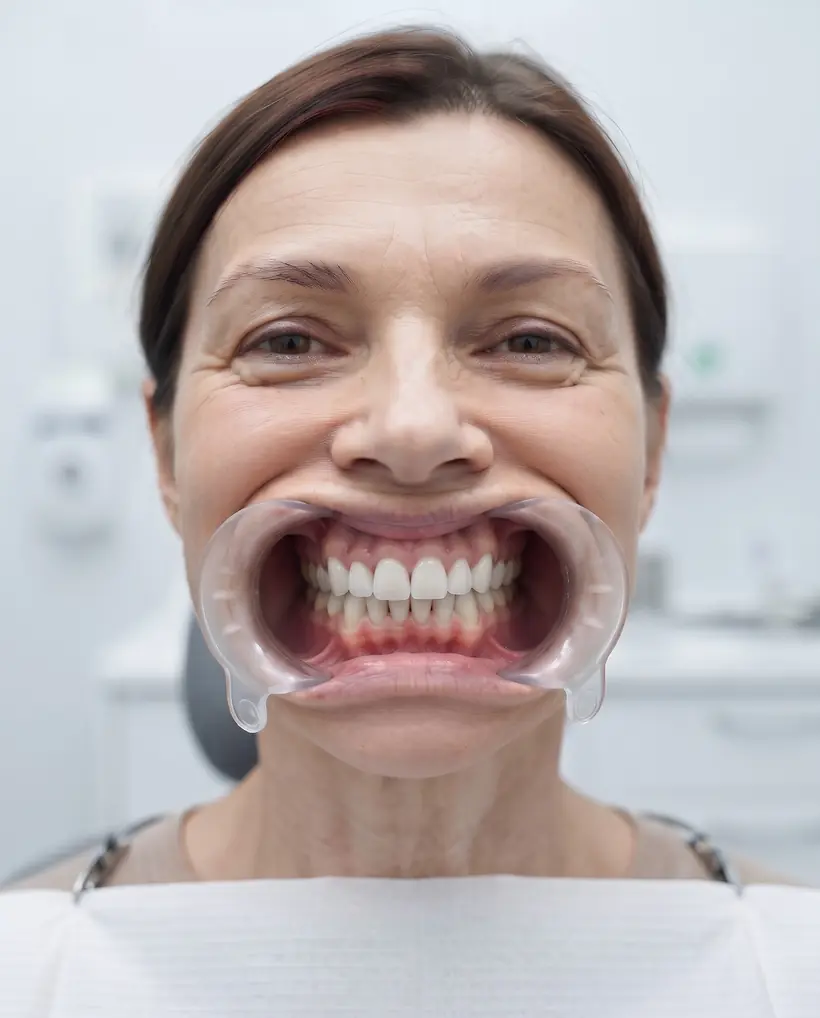
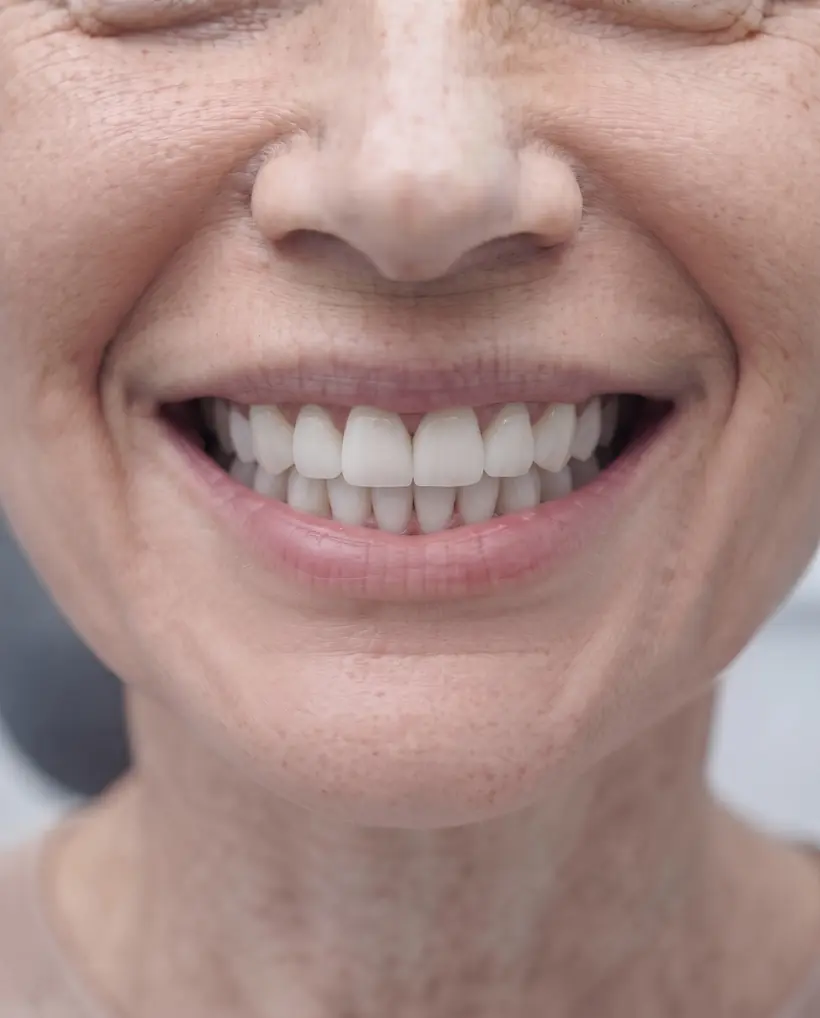 BeforeAfterSample image
Basmora works offline, and no photo is ever uploaded to our servers.
Six strengths that save your team hours every week.
Pick the camera folder and it groups every patient's photos automatically, even from two cameras, retractor shots included.
It aligns angle, light and crop between both photos, so the comparison looks professional and fair.
Templates in your clinic's brand, in Arabic and English, with captions, hashtags and a content calendar.
Video templates for reels and stories, plus a full editor when you want control over every detail.
Signed in the clinic or through a WhatsApp link. Basmora only publishes what the patient agreed to, and hides the eyes when needed.
Facial measurements and ratios, a preview of the expected smile, and a clear plan the patient takes home after the consultation.
From importing photos to a finished post and ad, with sample images.
Full video with sound · النسخة العربية
Scroll and watch what happens to the photos
Start with a full 14-day free trial, then pick your plan. Patient photos stay on the clinic computer on every plan.
To get started
For most clinics
For clinics serious about marketing
Enter your details and choose a password, and your full trial account turns on at once.
Yes. It needs the internet the first time to load and sign in; after that, sorting, matching, design and video work offline. A short connection once every 7 days renews the subscription. AI smile simulation, consent links and Google Drive backup need the internet.
No. Patient photos never leave the clinic's computer, and no photo is ever uploaded to our servers. The website only checks your subscription.
Yes, and it fixes the clock difference between cameras automatically.
Basmora pauses until you subscribe; your files stay on your computer as they are.
Two devices per plan. It runs fully on a computer (Chrome or Edge), and can be installed on phones and tablets to follow cases and designs.
Basmora runs in the browser and processes photos on your device. These specs keep it smooth.
| Minimum | Recommended | |
|---|---|---|
| Memory (RAM) | 8 GB | 16 GB |
| Processor | Core i5 (8th) / Ryzen 5 | Core i5/i7 (10th+) or Mac M1+ |
| Storage | SSD | SSD + 20 GB free |
| System | Windows 10 | Windows 11 or recent macOS |
| Browser | Chrome / Edge | Latest Chrome / Edge |
Linking the camera folder directly works in Chrome and Edge on a computer.
| Minimum | Recommended | |
|---|---|---|
| Memory (RAM) | 6 GB | 8 GB |
| Device | iPad 2020 or a recent Android | iPad Air / Pro or a strong Android |
| Free storage | 10 GB | 20 GB |
| Browser | Safari / Chrome | Latest version |
Great for showing cases to patients and making posts. Add it to your home screen.
| Minimum | Recommended | |
|---|---|---|
| Memory (RAM) | 6 GB | 8 GB |
| Device | iPhone 12 or a recent Android | iPhone 14 or newer |
| Free storage | 5 GB | 10 GB |
| Browser | Safari / Chrome | Latest version |
For quick viewing and a post or two. Daily work is best on a computer.
Internet is needed the first time to load and sign in, and for AI smile simulation. Everything else works offline.